Framefinder:
Find the right model before you render.
Generative Video Intelligence Engine

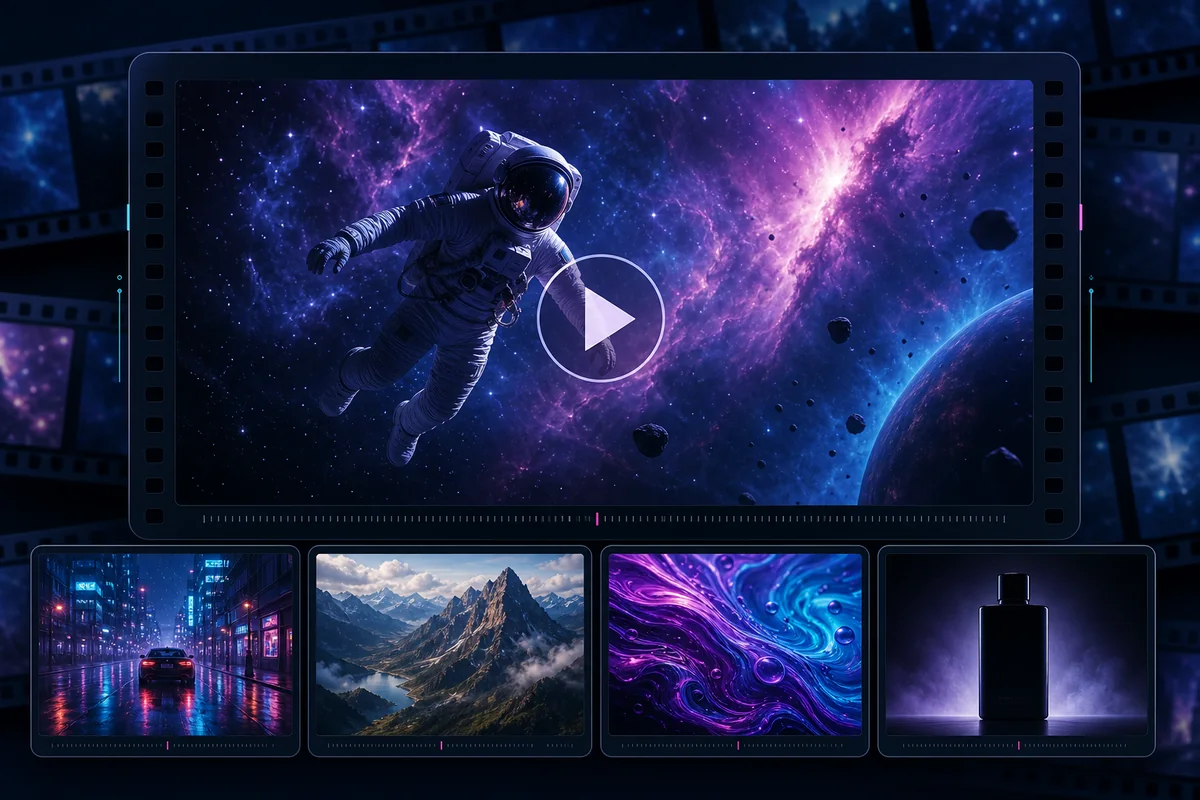
Input your desired video specs and receive a tailored list of recommended models.
Brief to ranked recommendation
View real-time video model performance based on public benchmark leaderboards.
View incoming news signals as they surface and explore the generative video market holistically.
3D signals + verified sources
Upload and download unused video clips.
Preview, download, contribute
Describe what you’re making and FrameFinder will guide you toward the right model, comparisons and evidence.
Performance Pulse ingests live industry benchmarking data across five public video model leaderboards so you can gauge video model performance in real time.
Performance Pulse converts leaderboard metrics and video model performance data into a live bubble map visualization with info scores. Larger bubbles with high info scores mean very successful model performance. Bubble sizes fluctuate with changes in performance as model updates release or new developments surface.
Current snapshot from public blind-preference leaderboards. Movement will activate after comparable snapshots accumulate.
There are numerous AI video models to choose from. The FrameFinder Model Recommender compares video models to help you find the best fit. Input your video requirements like resolution, aspect ratio, and budget constraints to receive a tailored list of recommended models to generate your video with.
Market signals at a glance. Explore an interactive 3D globe that maps market signals and generative video news insights as they surface.
Be in the know as the market moves and stay informed on the latest generative video trends and model updates with this real-time news aggregator.
Loading recent video model news.
Generating AI videos creates a lot of unused clips; clips that are solid, but outputs that you may not use in your final video. Use the Clip Library to upload your own unused clips, or download unused footage from other creators!
FrameFinder samples upload frames in-browser, checks them with Workers AI or a configured moderation endpoint, and publishes only clips marked safe. A 30-day R2 lifecycle rule deletes expired files automatically.
Read setup notes ->